
Product 01 / 07AI WORKSPACEDeveloper preview · Public source · no project-wide license

Genie

Give an idea somewhere to become work.

Turn rough notes into a plan, website copy, or a small HTML prototype. Reopen the result, copy it, or save it as Markdown.

Real app workspace
FIG. 01Real app workspace

What it does

  1. Notes
  2. plans, copy, HTML
GenieREAL PRODUCT / ~13 SEC / 1×
Real app workspace
Real app recordings and saved artifacts. Waiting is condensed. This site edit is about 13 seconds; playback speed is unchanged.Source recording
(03) Genie — Film

(+) In detail

01 / AI WORKSPACE / Developer preview

An AI assistant for the Mac you’re working on

In the middle of something? Call up Genie.

A question about the page you’re reading. A draft that needs a starting point. Call up Genie on your Mac, attach the current screen, and work with the model you choose.

The first button opens the Mac setup guide. Genie is not an instant browser-only product.

WHAT TO LOOK FOR

Watch a note become a draft.
Notes & requestsPlans, drafts & HTML

Open the result, copy what you need, and get back to what you were doing.

FIRST THING TO TRYTurn fictional notes into one action plan or draft.

Setup, scope & license

Public source · no project-wide license · The app needs local services and a configured model, on macOS 14 or later. The download alone is not a hosted service. A screenshot is optional and goes to the connected model only when you send a question. Previously Astra.

  • ⌥+SpaceA resident TaskDock, reachable from any app
  • Ollama-readyNo egress with a local model; screenshots go to the configured endpoint
  • MarkdownCopy the result or save it as Markdown

WHAT THE FILM SHOWS

Ask here. Take the result with you.

  1. Ask

    Describe the useful output you want from a short set of notes.

  2. Watch the work

    The connected model works while the request and artifact stay in one workspace.

  3. Keep the result

    Reopen the artifact, copy it, or save Markdown for the next step.

TRY IT

Start with one useful artifact.

Genie is not a standalone hosted app. Prepare the Gateway, Task Worker, Agent Host and a model, then try a small task with fictional notes.

CURRENT BOUNDARIES

Availability and development.

Current scope

The app needs local services and a configured model, on macOS 14 or later. The download alone is not a hosted service. A screenshot is optional and goes to the connected model only when you send a question. Previously Astra.

Public source · no project-wide license

The icon beside the heading is from development and is not yet in the current app.

Read the evidence

Proposed interface design

A redesign of TaskDock as one surface that changes shape, instead of switching windows for each state. Each frame is a render of the design file, not a recording of the app. The content inside the frames is fictional. The design is being prototyped on a development branch and is not in the current product. It has not been checked on a real Mac.

  1. Design render of the idle state: only a small lamp mark at the top centre of the screen.
    Design preview · not released01 IdleSmall and still. It stays out of the way.
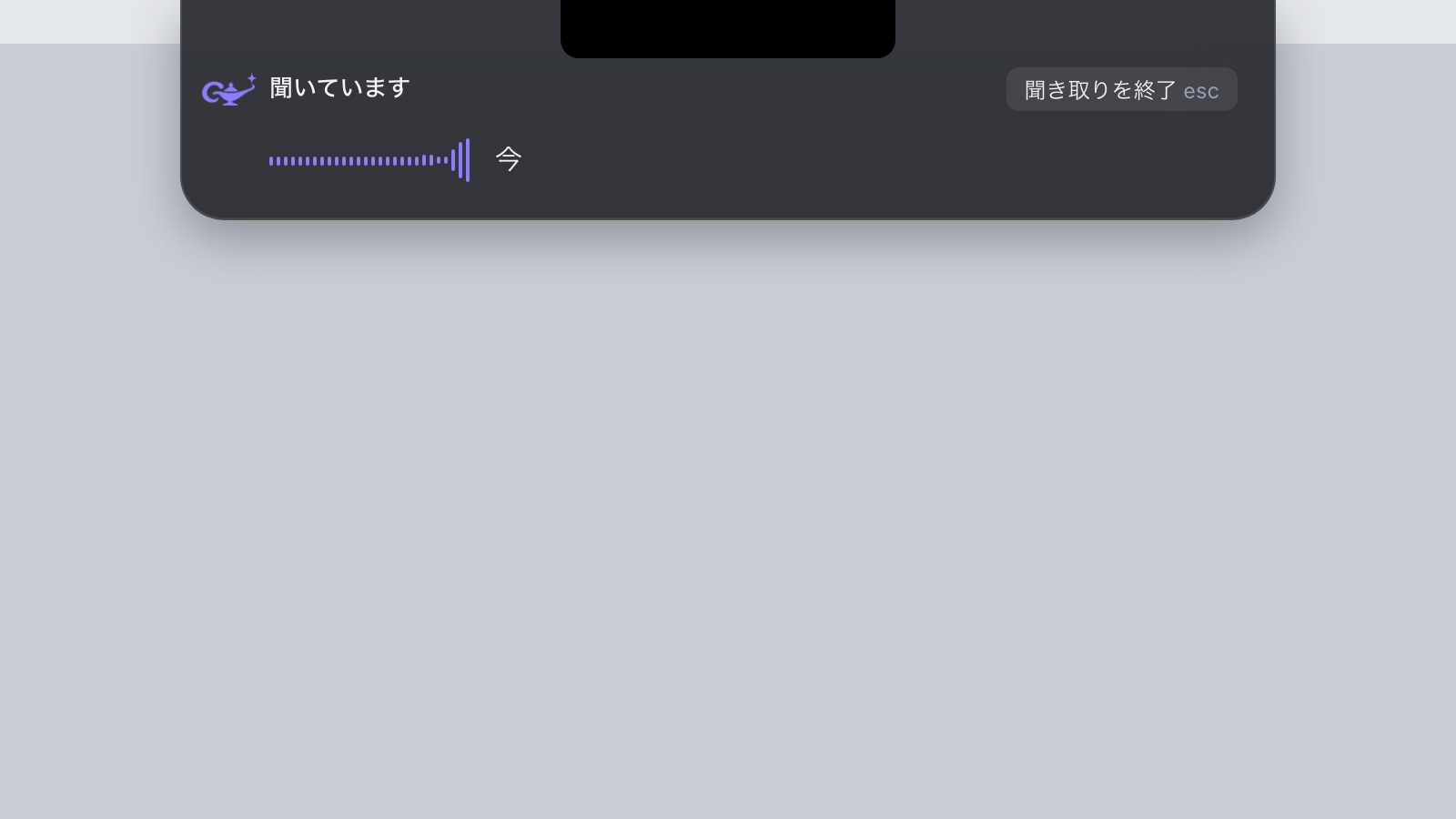
  2. Design render: the top surface widens and shows “Listening” with a level waveform.
    Design preview · not released02 ListeningIt opens only when called and moves with the voice.
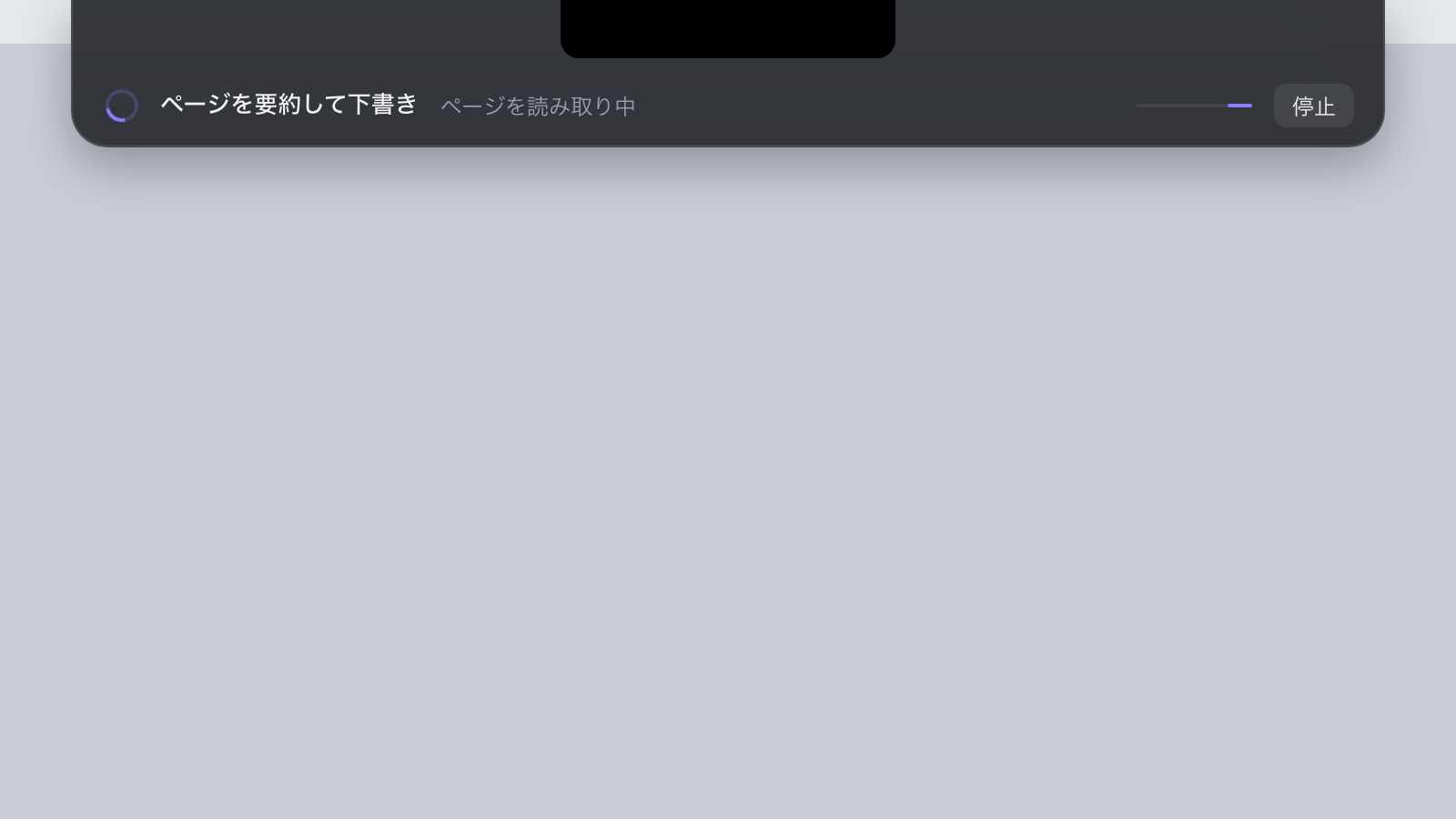
  3. Design render: the surface shows the task “Summarise the page as a draft”, its current step and a Stop button.
    Design preview · not released03 WorkingWhat it is doing and which step it is on. No invented percentages.
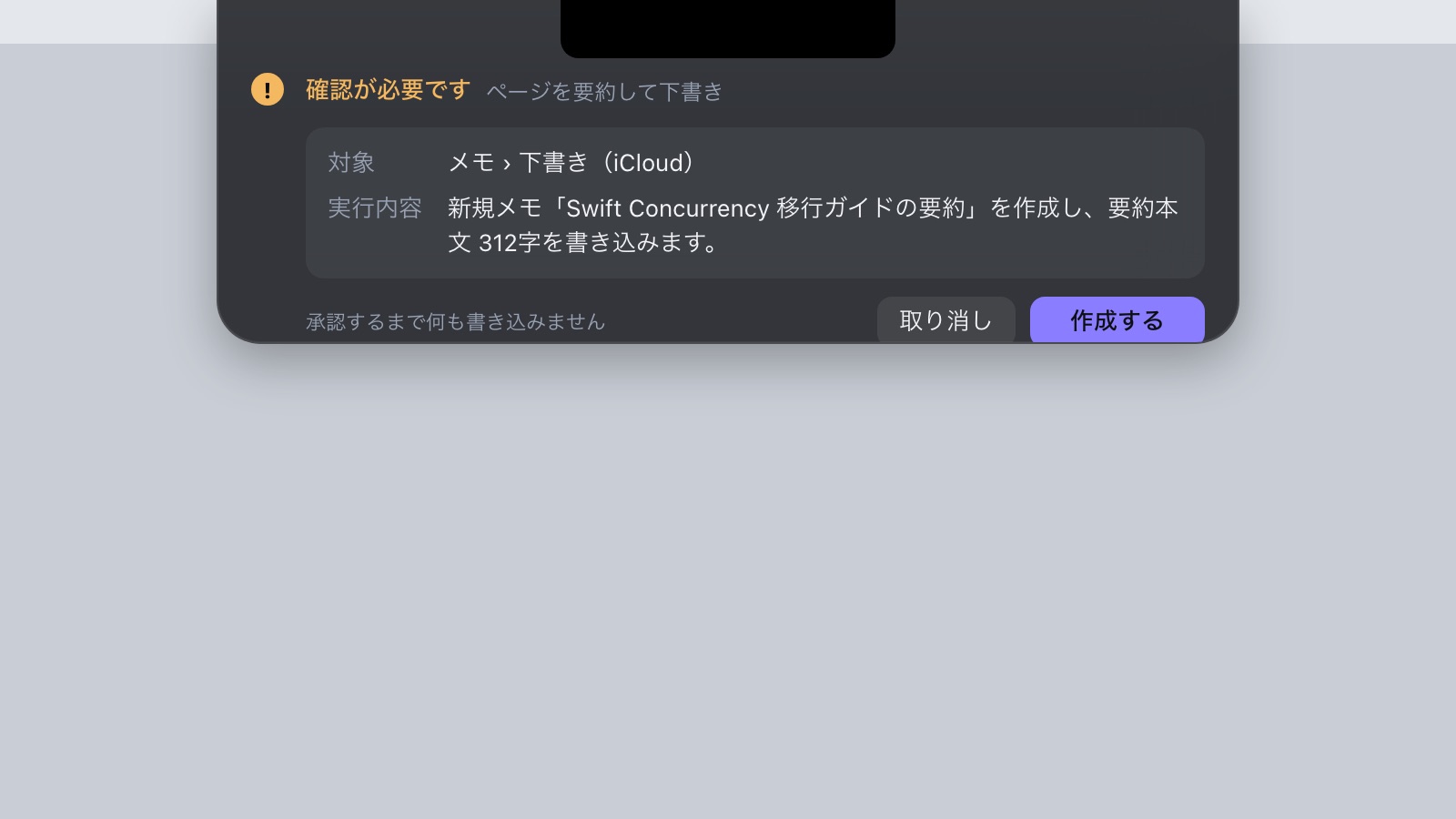
  4. Design render: “Confirmation needed” with the destination, what will be written, and Cancel and Create buttons.
    Design preview · not released04 ConfirmBefore anything is written, the same surface shows the target and the content.
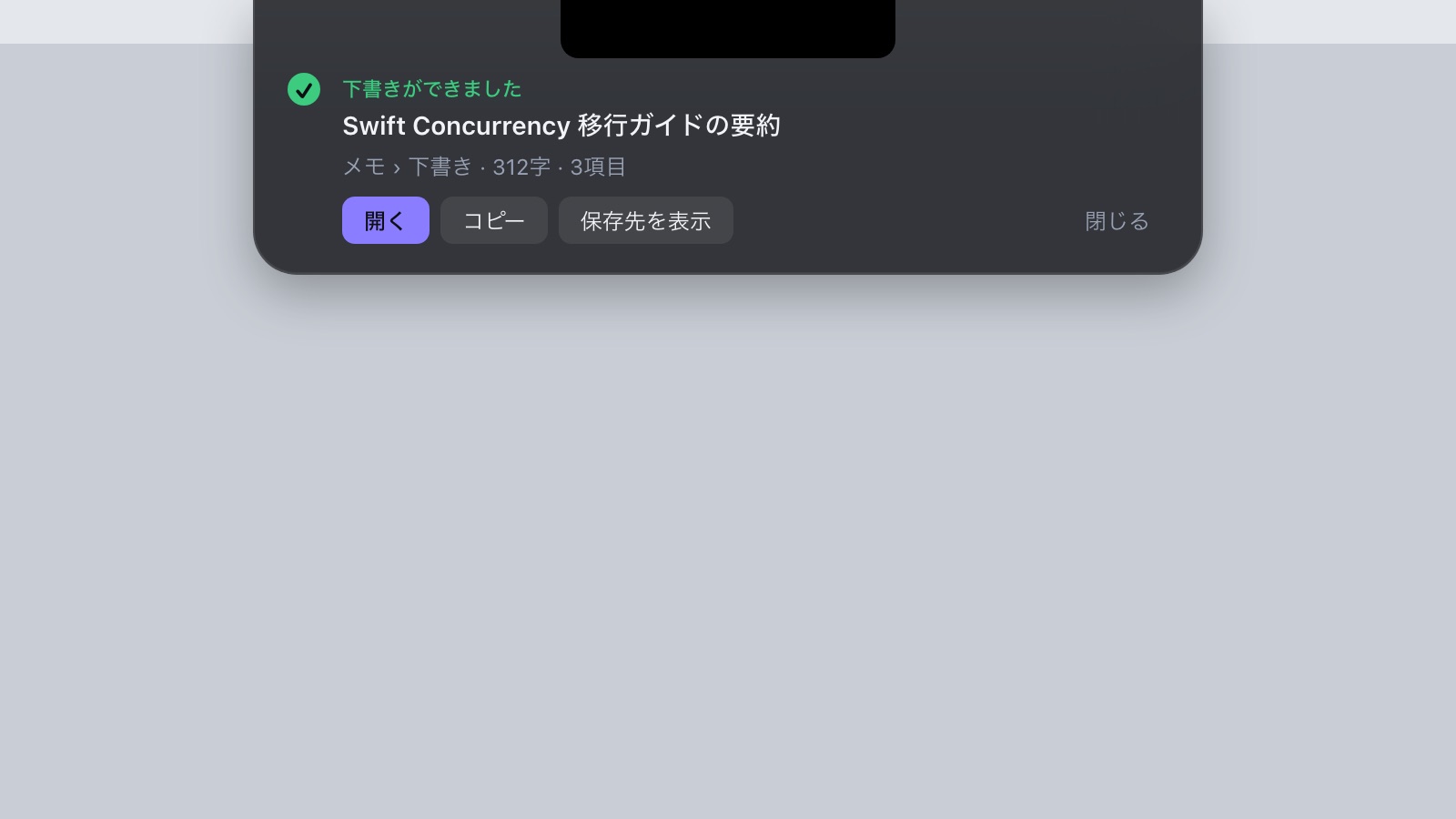
  5. Design render: “Draft ready” with the artifact title and Open, Copy and Show location buttons.
    Design preview · not released05 ResultIt shows what was made, right there, ready to use.
The separate design film (Launchloom)

SEE THE WORK. TRY THE RESULT.

Beyond the recording.

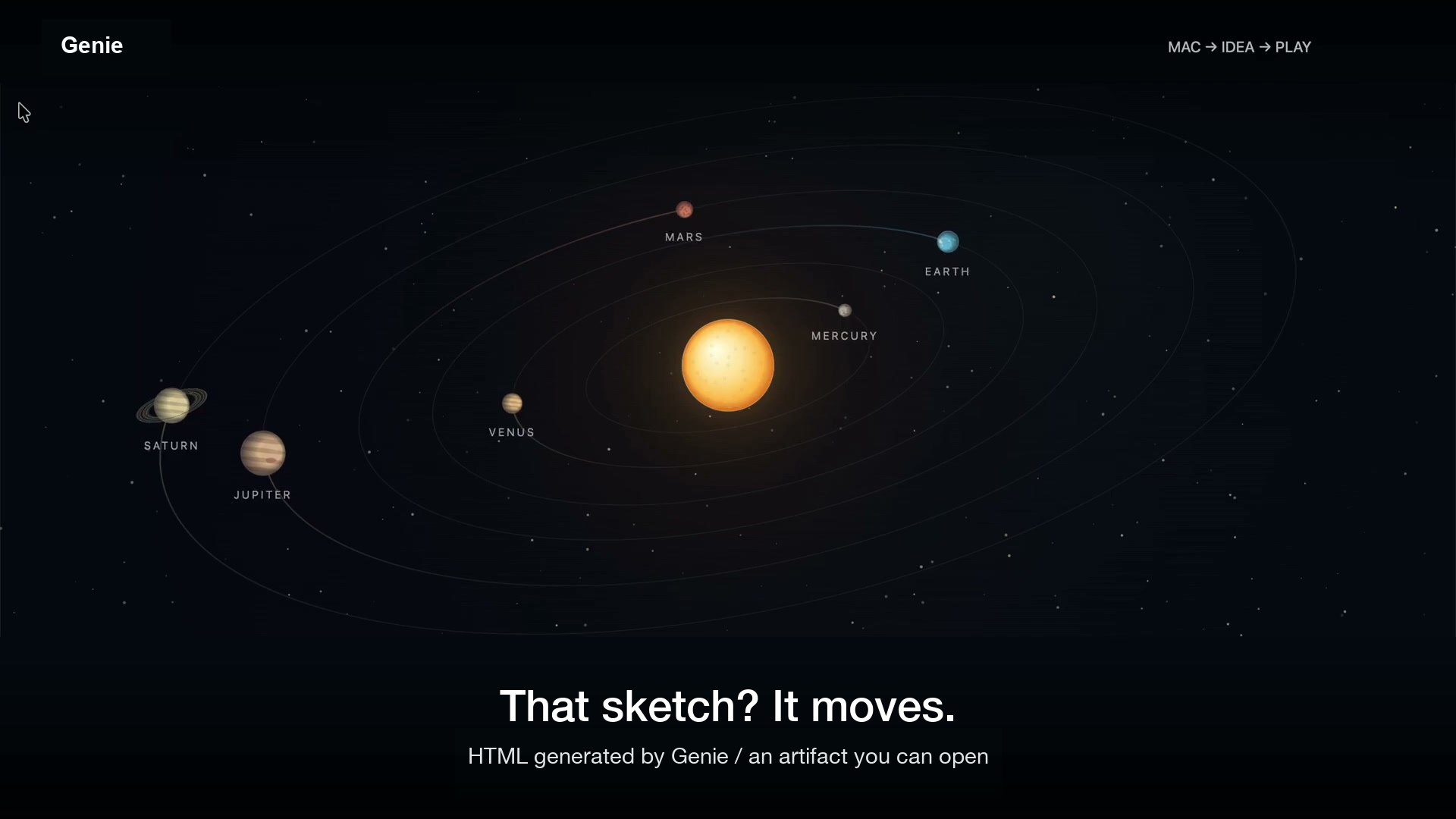
Open and interact with the saved HTML from the recording. No new AI run is started.

GENIE / FROM REQUEST TO ARTIFACTA recording. A saved result.
The interactive planet artifact from the Genie demonstration

FROM A SKETCH TO A LITTLE UNIVERSE

That sketch? It moves.

Watch how it was made. Open the HTML and explore it.

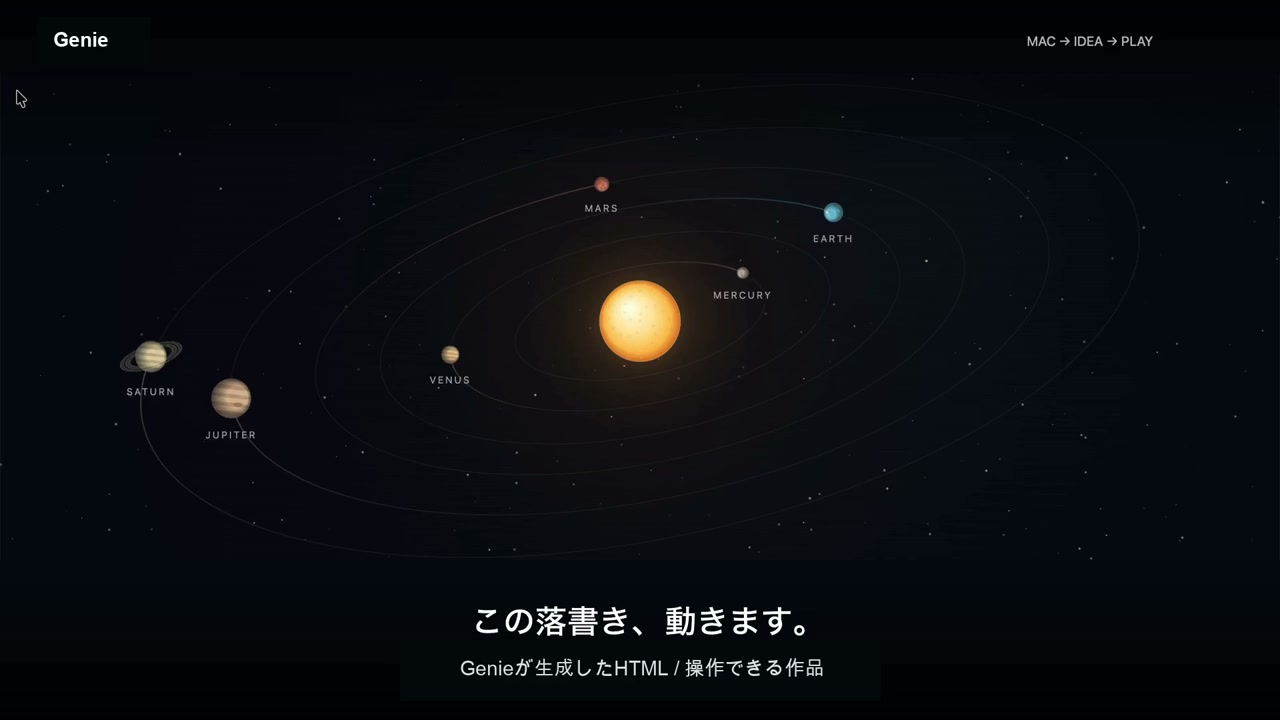
An original published app demonstration and its saved example. Fictional inputs; actions and waiting are edited. This page does not run a new AI generation. The recording is in Japanese — English captions are on by default, and the saved artifact is Japanese too.

(05) What it can do

A Mac workspace for working with your own AI model.

Source: Check the README · checked against the repository on 2026-09-27 (b432b39)

F-01 / TASKDOCK

Resident TaskDock (⌥+Space)

A system-wide shortcut opens the resident overlay, so you can ask without leaving the app you are in. Option+Space is the default.

  • Resident overlay
  • Global shortcut
  • macOS 14+
F-02 / SCREENSHOT

Ask with a screenshot

A ⌘⇧4 capture is detected and offered as context, with no pasting. Nothing is sent until you submit a question, and it goes to the model endpoint you configured.

  • Screenshot context
  • Explicit send
  • Configured endpoint
F-03 / ARTIFACT

Keep the artifact

Reopen generated plans, copy and HTML, copy them with one action, or save them as Markdown.

  • Copy
  • Markdown
  • Reopen

(06) Scope and evidence

What it cannot do,
stated up front.

Public sources checked 2026-09-15. Check each repository and product page for current terms.

SCOPE

The app needs local services and a configured model, on macOS 14 or later. The download alone is not a hosted service. A screenshot is optional and goes to the connected model only when you send a question. Previously Astra.

PROOF / PUBLISHED EVIDENCE

Real app recordings and saved artifacts. Waiting is condensed.

(07) Build with it

Prototype an internal AI workspace or an assistant using local and external models.

Discuss a project